1
Install in a click
Add it to Chrome for videos and websites. Mac and Windows apps, for PDFs, Word and Mail, are coming next.
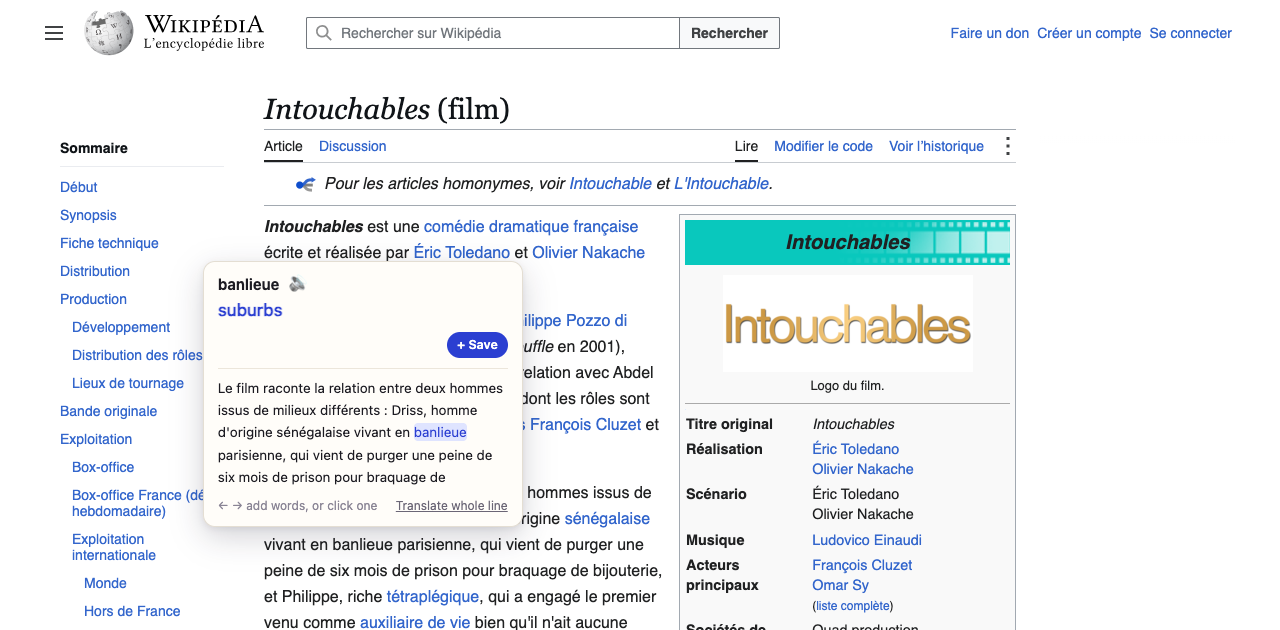
Hold ⌥ over any word on Netflix, YouTube, Instagram or the news. Nadinha translates it, saves it with the sentence it came from, and turns it into flashcards that come back just before you'd forget.
— Pas de braspas de bras🔊no armsFrom the saying « pas de bras, pas de chocolat »: no effort, no reward← → add words✓ Saved,
pas de chocolat !
Add it to Chrome for videos and websites. Mac and Windows apps, for PDFs, Word and Mail, are coming next.
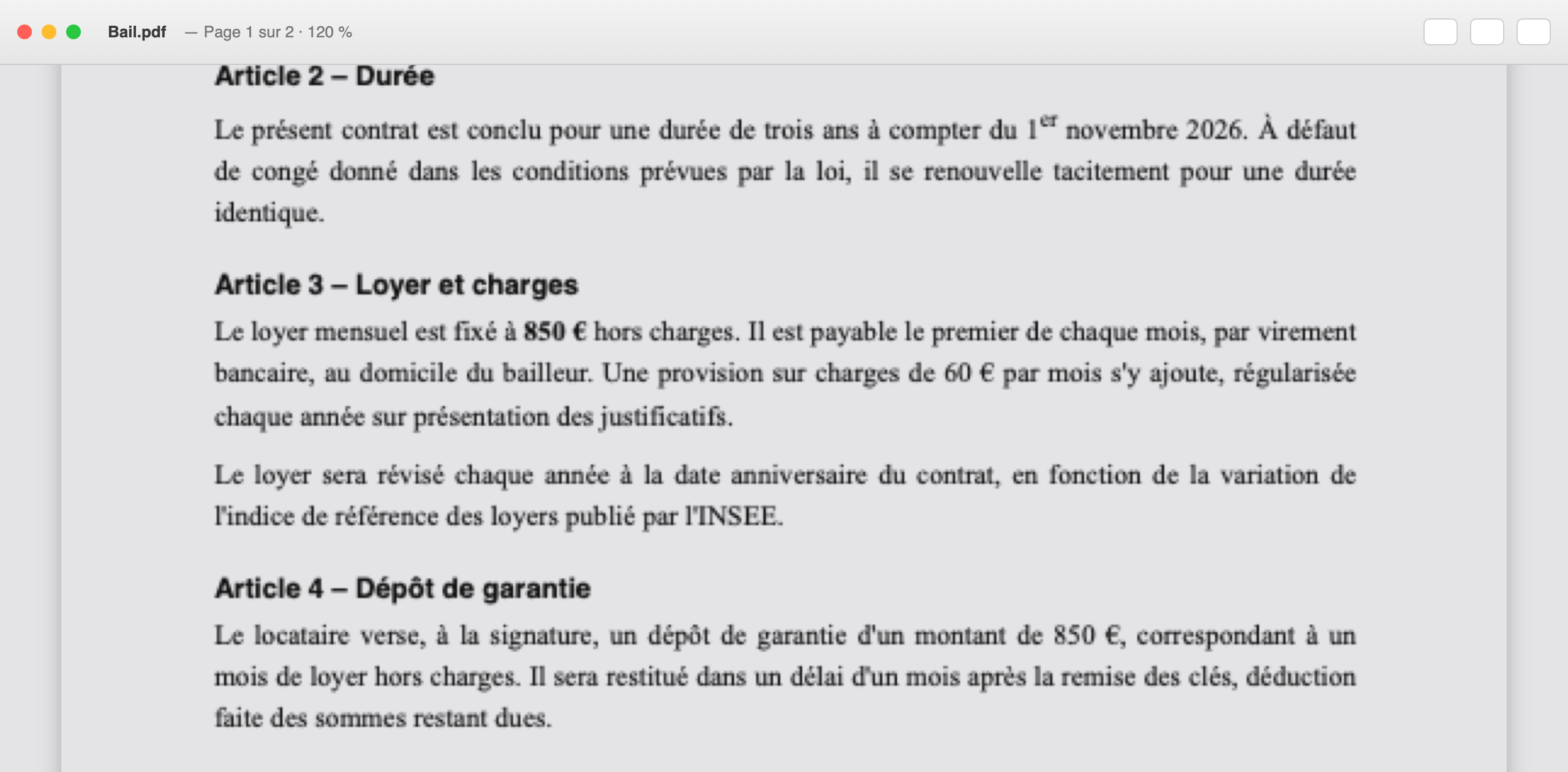
Subtitles, articles and Instagram captions. Point at a word and the translation appears right there. PDFs, Word and Mail follow with the desktop apps.
Every word lands in your dashboard with the sentence it came from and where you found it. No copying, no lists.
Flashcards, recall and fill-the-blank tests from your own sentences, scheduled for right before you'd forget.
Netflix, YouTube, Prime Video, Disney+. Point at a word and the video waits for you.
"Je sais pas" isn't three words, it's one idea. Grow any word into a phrase with the arrow keys.
Translation runs inside Chrome, on your own computer. Start without an account. No ads, no tracking.
Spaced repetition (the FSRS method used by modern Anki) schedules every card for the moment it matters.
Meaning, recall and fill-the-blank from your own sentences. Type answers and it catches missing accents.
Export to Anki or a spreadsheet any time. Your data is never locked in.
Premium · coming soon
It knows what's just been said in the episode. Ask about the grammar, the slang, the joke you didn't get, or have it quiz you on the last scene.
£0
£4.99/month
or £29.99 a year
Not to start. Install it and translate straight away; your words are kept in your browser. Sign in (with Google or email) when you want your dashboard and flashcards on nadinha.com, the AI tutor, or sync between computers. Your words come with you.
Any language Chrome can translate: French, Spanish, German, Italian, Portuguese, Japanese, Korean and about 30 more. Pick one or several when you install, and change them any time.
Yes. Hold ⌥ (Alt on Windows) and point at any subtitle word. The video pauses while the translation is open, and the arrow keys build phrases instead of skipping the video.
Your words stay on your computer. When Chrome's built-in translator is set up, translations happen on your device too. Read the full privacy policy.
Coming soon. Mac and Windows apps will bring the same ⌥ trick to PDFs, Word, Mail and other apps, with a mobile app for your flashcards after that.

Launching on the Chrome Web Store very soon.